Transcribed
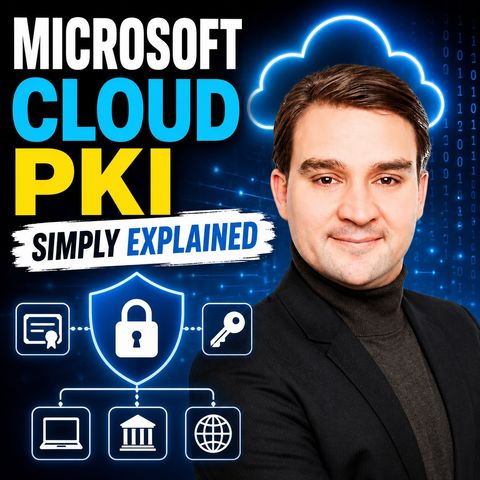
Microsoft Cloud PKI - Simply Explained
Aug 13, 2026 ·
17m 49s
Download and listen anywhere
Download your favorite episodes and enjoy them, wherever you are! Sign up or log in now to access offline listening.
Microsoft Cloud PKI - Simply Explained
Description
Shared Wi-Fi passwords and repeated VPN logins are still common in small businesses, yet running a traditional certificate infrastructure is often too much work. This episode explains certificates and Microsoft...
show more
Shared Wi-Fi passwords and repeated VPN logins are still common in small businesses, yet running a traditional certificate infrastructure is often too much work. This episode explains certificates and Microsoft Cloud PKI in plain language and shows IT admins how Intune can deliver, renew and revoke device certificates behind the scenes.
In this episode
Key takeaways
Worth quoting
“A shared Wi-Fi password can travel. Someone can write it down forward it, reuse it on a personal device, or keep it after leaving the company. A device certificate gives each managed laptop or phone its own proof instead.” – Mirko Peters (01:56)
“Microsoft Cloud PKI keeps the certificate process, but shifts much of that machinery out of your server room and into the Microsoft Cloud.” – Mirko Peters (06:20)
Explore more on M365.FM
Follow and rate M365.FM in your podcast app, and join the free M365 community at m365con.net.
Become a supporter of this podcast: https://www.spreaker.com/podcast/m365-fm-microsoft-365-azure-cloud-power-platform-ai--6704921/support.
show less
In this episode
- 00:00 – The device access problem
- 00:46 – Why certificates exist
- 03:31 – Traditional PKI as a burden
- 06:27 – What Microsoft Cloud PKI is
- 09:40 – How a device gets a certificate
- 13:09 – Where Cloud PKI fits
- 16:08 – Starting with a small pilot
Key takeaways
- Device certificates let managed laptops and phones prove they belong without shared Wi-Fi or VPN passwords.
- Microsoft Cloud PKI moves the root and issuing certificate authorities into Intune, removing on-premises servers, NDES connectors and HSM hardware from the plan.
- Cloud PKI only covers Intune-managed devices, so start with one use case, make sure the Wi-Fi, VPN or app trusts the certificate chain, and test renewal and revocation.
Worth quoting
“A shared Wi-Fi password can travel. Someone can write it down forward it, reuse it on a personal device, or keep it after leaving the company. A device certificate gives each managed laptop or phone its own proof instead.” – Mirko Peters (01:56)
“Microsoft Cloud PKI keeps the certificate process, but shifts much of that machinery out of your server room and into the Microsoft Cloud.” – Mirko Peters (06:20)
Explore more on M365.FM
- Episode page: the full episode with chapters, key quotes and FAQ on Microsoft Cloud PKI
- Microsoft Cloud PKI – the managed certificate authority service inside Intune that this episode explains end to end
- Microsoft Intune – confirms devices are enrolled and managed, then delivers, renews and revokes their certificates
- Zero Trust – the principle that device certificates support by checking each device's proof on every request
- Microsoft Entra ID – cast as the reception desk handling sign-in identity, and a basic to check before a pilot
- Related episode: Microsoft Intune - Simply Explained
Follow and rate M365.FM in your podcast app, and join the free M365 community at m365con.net.
Become a supporter of this podcast: https://www.spreaker.com/podcast/m365-fm-microsoft-365-azure-cloud-power-platform-ai--6704921/support.
Information
| Author | Mirko Peters M365, Azure & AI |
| Organization | m365 FM |
| Website | www.m365.fm |
| Tags |

Copyright 2026 - Spreaker Inc. an iHeartMedia Company

Comments